

What is WebRTC?
WebRTC (Web Real-Time Communication) is a browser technology that powers peer-to-peer connections for video calls, voice calls, and file sharing. Services like Google Meet, Discord, and plenty of other communication tools rely on it.
To set up these peer-to-peer connections, WebRTC needs to discover your device's IP addresses, including your public one. It does this by talking to STUN servers.
How WebRTC Leaks Your IP
When a website uses WebRTC, your browser creates an RTCPeerConnection and gathers "ICE candidates," which are network addresses that could be used for a peer connection. These candidates can include:
- Your local/private IP (e.g., 192.168.1.x). This reveals your network configuration.
- Your public IP via STUN. This is the dangerous one. If your VPN doesn't intercept STUN traffic, your real public IP gets exposed.
- mDNS candidates. Modern browsers mask local IPs with random .local hostnames for privacy.
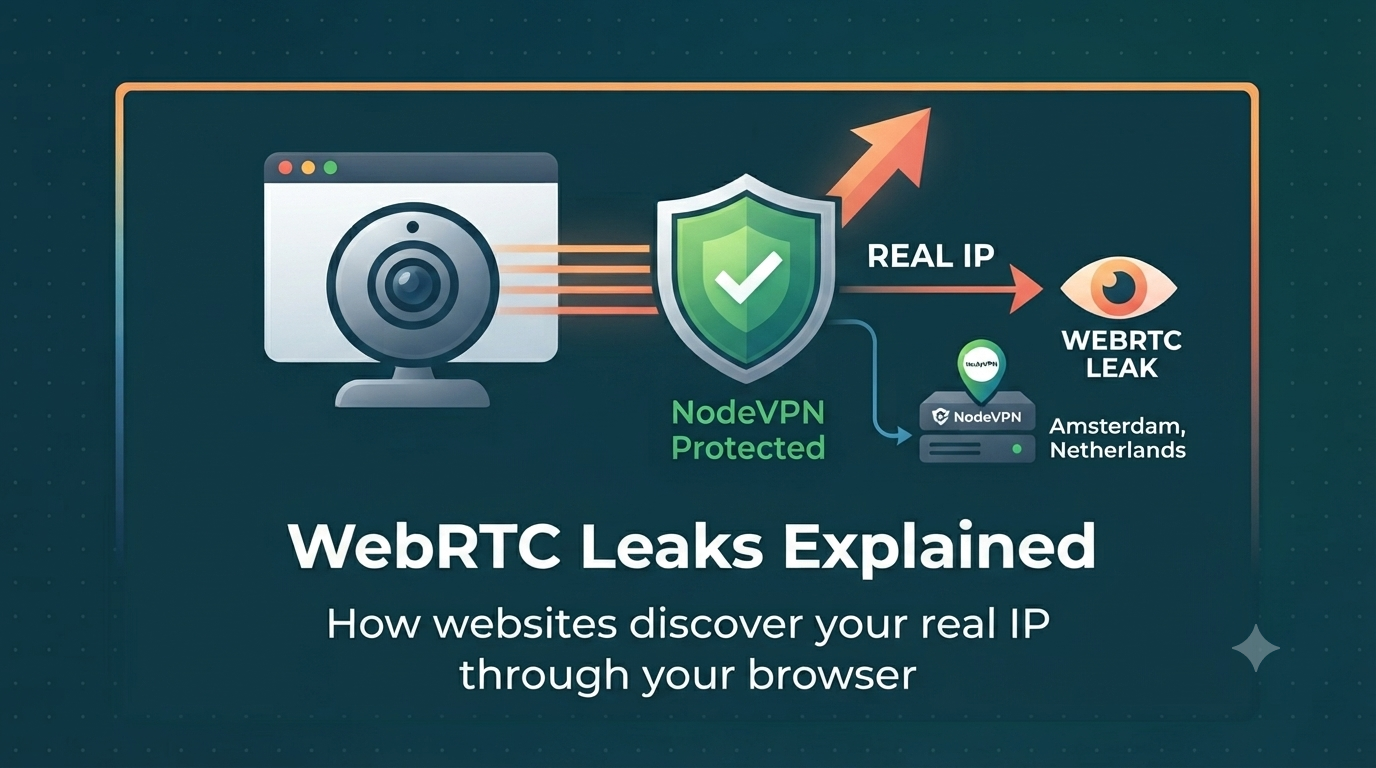
Any website can run this JavaScript silently, without asking permission, and discover IP addresses your VPN is supposed to hide.
When WebRTC Leaks Happen
A WebRTC leak occurs when the public IP discovered through STUN differs from your VPN IP. This typically happens when:
- Your VPN doesn't route UDP traffic (used by STUN) through the tunnel
- The VPN's firewall rules don't block STUN requests outside the tunnel
- You're using a proxy-based VPN that only handles HTTP/HTTPS traffic
How to Test for WebRTC Leaks
Node On? tests for WebRTC leaks by creating a peer connection with a STUN server and checking the ICE candidates your browser generates. If any public IP candidate differs from your VPN IP, you have a WebRTC leak.
How to Prevent WebRTC Leaks
- Use a VPN that handles WebRTC. NodeVPN routes all traffic including STUN through the tunnel, so WebRTC only sees your VPN IP.
- Use Brave browser. Brave blocks WebRTC leaks by default through its fingerprinting protection.
- Disable WebRTC. In Firefox, go to
about:configand setmedia.peerconnection.enabledtofalse. Heads up: this will break video calling websites. - Use a browser extension. Extensions like "WebRTC Leak Shield" or "WebRTC Control" can limit WebRTC's IP discovery without fully disabling it.
mDNS Masking
Modern versions of Chrome and Edge mask local IP addresses with random mDNS hostnames (like a1b2c3d4-e5f6.local). This stops websites from learning your local network setup, but it does not prevent public IP leaks through STUN.